documented effects and utilities
📺 Friendly multilateral video toolkit
Break, bend, repair & automate video.
Videobeaux turns focused command-line programs into an artist-led video-processing system—from controlled datamoshing and frame stutter to conversion, extraction, compositing, and chainable workflows.
Built for artists by artists. Feed it an MP4, choose a program, and let the television do something useful—or wonderfully incorrect.

Not one effect. A whole strange workshop.
A real toolkit behind the mascot.
consistent command-line interface
chainable processing workflows
input-focused, practical operation
What does Videobeaux do?
Creative damage meets practical processing.
The documentation spans playful image destruction, repeatable editorial operations, media inspection, and automation. The landing page groups those programs by the outcome a user wants—not by a wall of filenames.
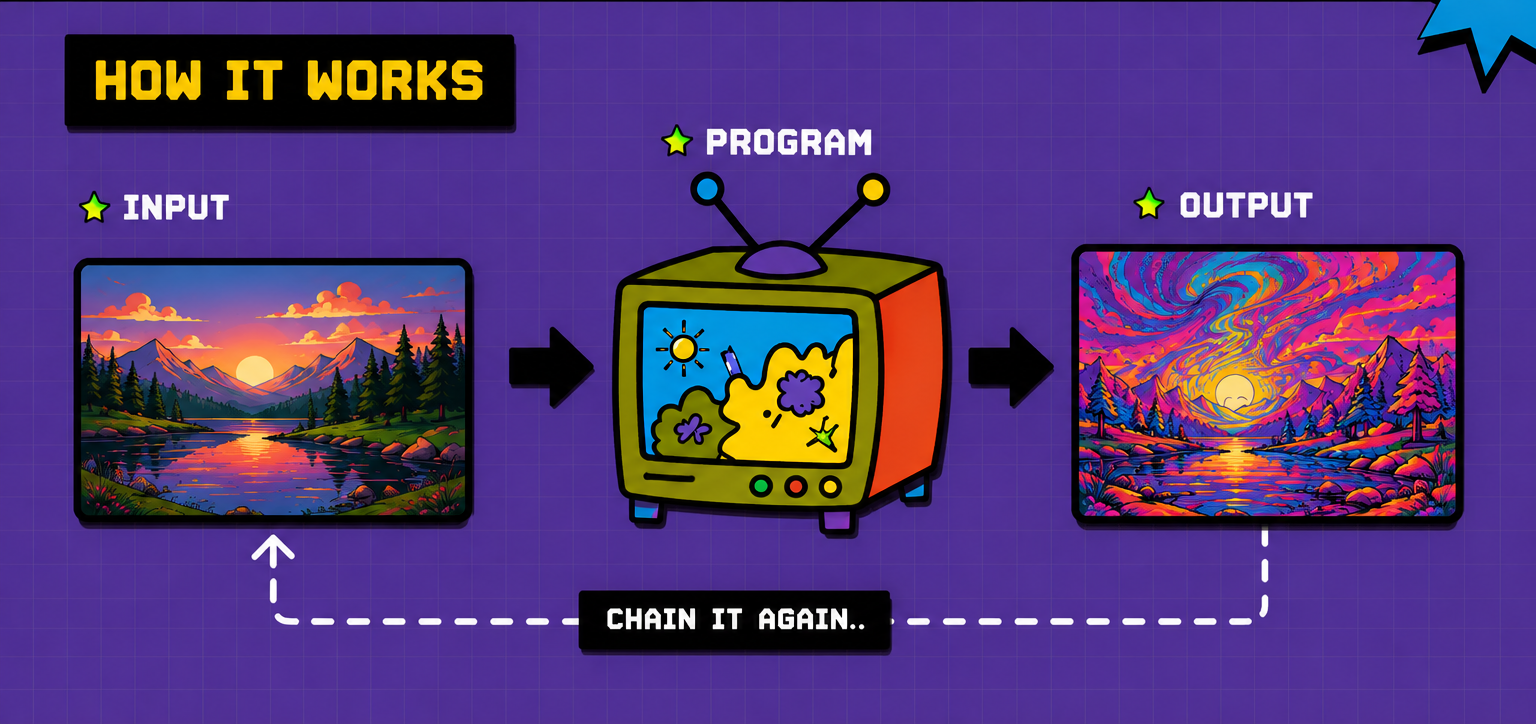
The process
Input. Program. Output. Chain it again.
Videobeaux uses a consistent global command structure, while individual programs can expose their own arguments when a process needs more control.
Getting started
The shortest route from file to altered file.
Install
Run the project install script on macOS or Linux, or configure the documented Windows prerequisites.
Choose
Use videobeaux --help to inspect available program modes and global options.
Process
Pass the program, input, and output. Add program-specific arguments only when needed.
Chain
Use chain_builder to pass one processed output directly into the next effect.
videobeaux --program PROGRAM --input INPUT_FILE --output OUTPUT_FILE [program options]
Working examples
See the command. See what came back.
The documentation includes a basic effect, a parameterized stutter process, and a three-stage chain. Select an example to switch the command and video.
VIDEO PREVIEW
Load the page online to retrieve the documented GitHub-hosted example.
Load the page online to retrieve the documented GitHub-hosted example.
Installation
Put the toolkit in your terminal.
Use the documented shell installer for macOS/Linux. The Windows tab preserves the prerequisites currently listed in the project docs.
/bin/bash -c "$(curl -fsSL https://raw.githubusercontent.com/schwwaaa/videobeaux/refs/heads/main/install.sh)"
Run this from the directory where you want the project to live. The installer explains its actions before continuing.
choco install ffmpeg
setx VIDEOBEAUX_PATH "C:\videobeaux"
These are the Windows prerequisites currently shown in the documentation. Follow the full installation page for the remaining project setup.
Feed it a video. See what comes back.
Creative effects, practical utilities, and repeatable processing chains in one friendly toolkit.